Interactive Recording
Record your terminal sessions with betamax record. Captures keystrokes with precise timing for perfect playback.
Screenshot Capture
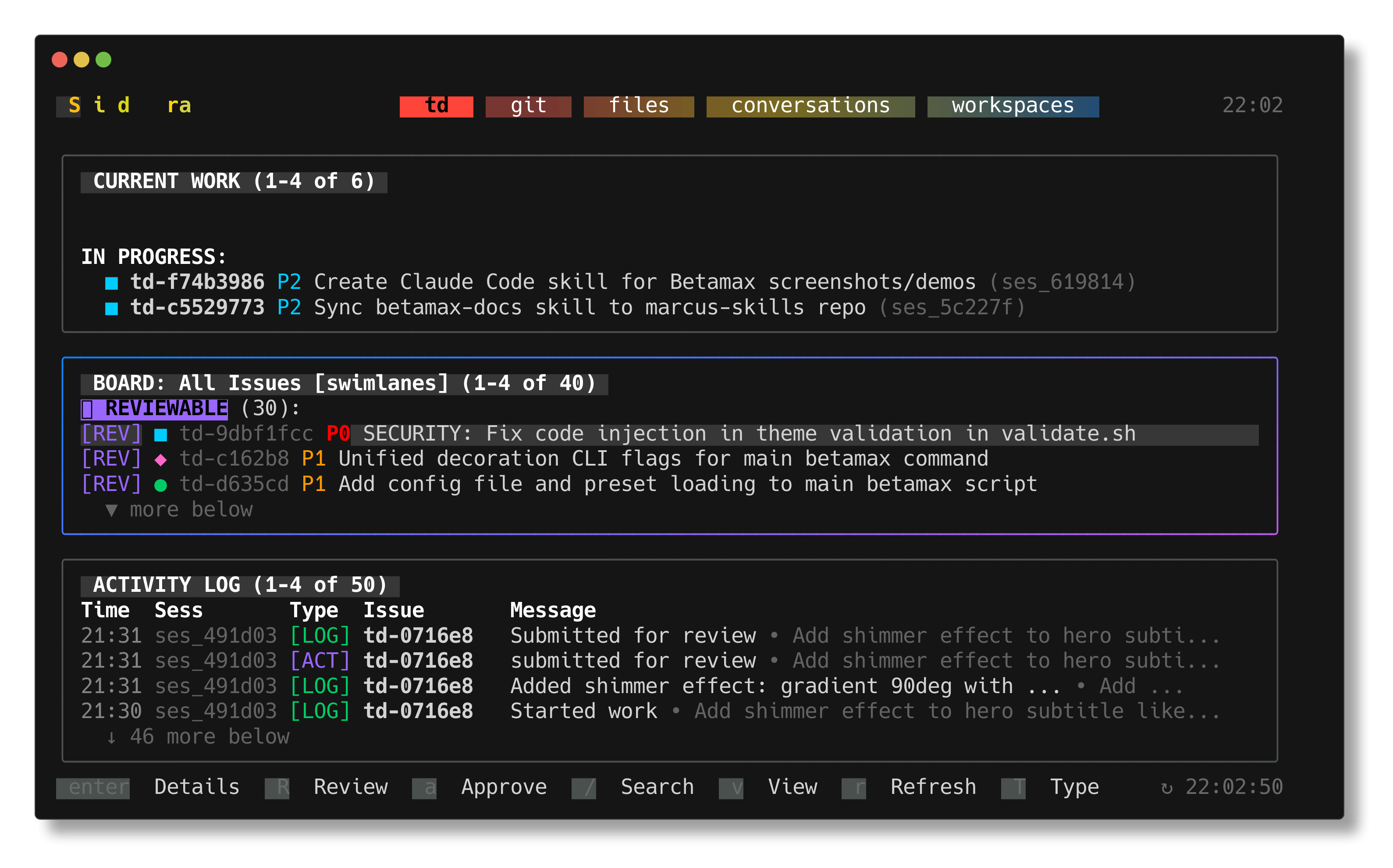
Capture TUI screenshots with betamax capture. Press a hotkey anytime during vim, htop, or any TUI to take a PNG.
Multiple Output Formats
Export to TXT, HTML, PNG, or animated GIF. Perfect for documentation, READMEs, and demos.
Declarative Keys Files
Self-describing scripts with inline settings. Version control your terminal recordings alongside your code.
tmux-based Headless Operation
Uses tmux under the hood. No custom terminal emulator needed. Works in CI/CD pipelines and headless environments.
30+ Themes & Decorations
Built-in themes like Dracula, Nord, and Catppuccin. Add window bars, drop shadows, and rounded corners for polished results.
Quick Start
Installation
# Clone and add to PATH
git clone https://github.com/marcus/betamax
export PATH="$PWD/betamax:$PATH"

# Install dependencies (macOS)
brew install tmux
brew install homeport/tap/termshot  # for PNG
brew install ffmpeg                  # for GIF
Basic Usage
# Capture TUI screenshots interactively
betamax capture vim myfile.py  # Ctrl+G to screenshot

# Record your terminal session
betamax record -o demo.keys vim test.txt

# Play back with GIF output
betamax "vim test.txt" -f demo.keys

# Or use inline keys directly
betamax "htop" -- @sleep:1000 @capture:htop.png q
Output Formats
.txtRaw text with ANSI codes.htmlStyled HTML with colors.pngScreenshot image.gifAnimated recording